The code editor is starting to treat AI agents like background workers that should not be interrupted. Visual Studio Code 1.148, released on November 25, adds a setting that stops your computer from going to sleep while an agent is still working, even if you have closed the window.
The keep-awake setting
The new setting is called sessions.keepAwakeWhileWorking and it is in preview, per the VS Code 1.148 release notes. A supported Agent Host can keep its machine awake during active turns, including after you close the window, and release the hold shortly after the work ends. It has three modes: whenPluggedIn (the default) blocks idle sleep only while the host is plugged in, always blocks it even on battery, and never allows sleep. The reason is simple. Microsoft says it wants to avoid stalled unattended work when a machine idles to sleep, per the VS Code 1.148 release notes.
Faster chat
Microsoft says responses in Agent Host chat now begin 30% faster on average than in the previous stable version, per the VS Code 1.148 release notes. It also admits the move to the Agent Host harness had made things slower: chat start times are now within about 5% of the old harness, and the company says it will keep working on the gap. NTCompatible reports the same figures.
Safer places to run agents
Two experimental features target the risk of letting agents run on their own. The first creates Dev Containers for agent sessions: an Ubuntu container with an Agent Host inside, stored in a Docker volume, with no Dev Container configuration file needed, per the VS Code 1.148 release notes. With a second setting turned on, an agent can create a container from an existing session when you ask it to try something in isolation, and continue the task there. The second feature is sandbox profiles. You can save a named set of sandbox rules and assign one to each remote agent host, for example open network access on a build server but a locked-down shared machine, per the VS Code 1.148 release notes. Organization sandbox policies still apply. Neowin describes both as experimental.
Housekeeping
The release also lets you clean up inactive agent worktrees on remote hosts to free disk space, redesigns the Remote Environments editor and adds a troubleshooting page for failed connections, per the VS Code 1.148 release notes. Agent sessions can leave many worktrees behind, so cleanup is a practical addition.
Who benefits
The keep-awake setting matters most to people who start a long task, close the laptop lid and expect results later. Without it, a sleeping machine silently stops the agent. The default of staying awake only while plugged in is a cautious choice that protects battery life, per the VS Code 1.148 release notes. Teams that run agents on remote machines, such as SSH hosts, WSL distributions or Dev Tunnels, get the most from the new Remote Environments table, which shows each environment's status, last activity and operating system, per the VS Code 1.148 release notes. Solo developers who just use chat will mostly notice the faster start. None of this changes how code is reviewed, so a person still has to check what an agent produced before it ships.
What to watch next
Watch whether keep-awake leaves preview and whether the default stays as "plugged in only". Battery drain is the obvious cost of always. Also watch whether Dev Containers and sandbox profiles leave experimental status, and whether Microsoft closes the last 5% of the chat speed gap.
Why it matters
Agents that run for tens of minutes or hours need a machine that stays on, a safe place to run, and rules about what they can touch. VS Code is adding all three in one release. That shows where the tool is heading: less typing code, more supervising agents that work on their own. It also moves risk. An agent running unattended with network access is a bigger security question than a chat box, which is why the sandbox features matter. Features here are Microsoft's own descriptions; real-world battery and speed results will come from users.
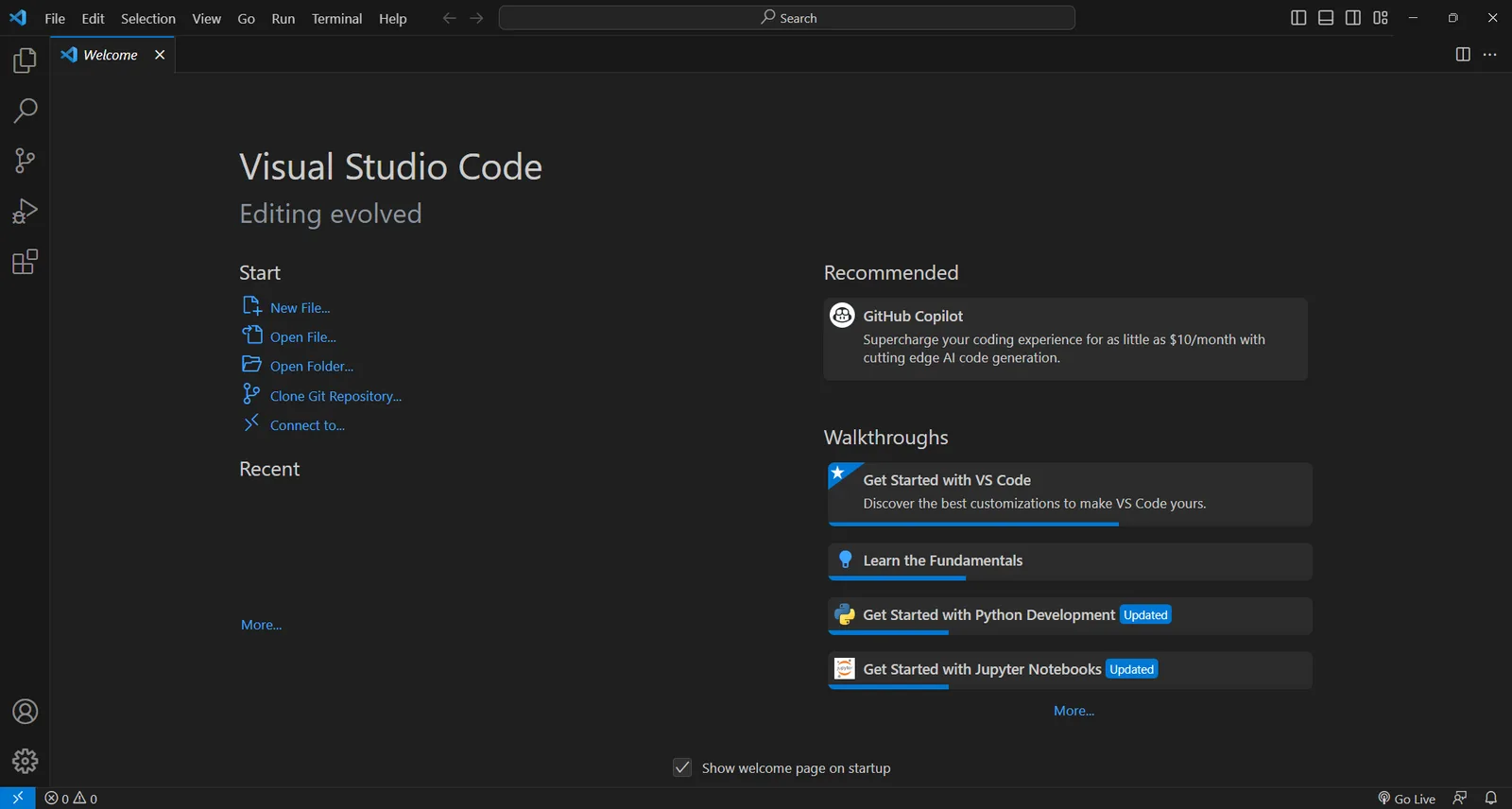
Cover image: VS Code (Insiders).png by Microsoft, public domain, via Wikimedia Commons. Illustrative screenshot of an older VS Code welcome screen, not version 1.148.