Impresiv, AutomationImpresiv
文档社区博客价格MCP
登录
    Impresiv, AutomationImpresiv

    少些重复,多些 Impresiv。

    获取移动应用

    下载于App Store获取于Google Play

    产品

    • 文档
    • 价格
    • MCP
    • 博客
    • 社区

    对比

    • n8n vs Impresiv
    • Zapier vs Impresiv
    • Make vs Impresiv

    联系

    • support@impresivai.com
    • +6285136538145
    • 预约通话

    法律

    • 隐私
    • 条款
    • 退款

    © 2026 Impresiv. All rights reserved.

    Indonesia

    Impresiv
    BlogDeveloper News

    Developer News

    VS Code现在能阻止笔记本休眠,让AI智能体在你关闭窗口后继续写代码

    微软VS Code 1.148新增预览设置,AI智能体工作时即使关闭窗口也让机器保持唤醒。同时新增一键Dev Container、按主机配置的沙盒方案,聊天启动约快30%。

    IImpresiv Team
    November 27, 2026 1 min read Updated November 29, 2026
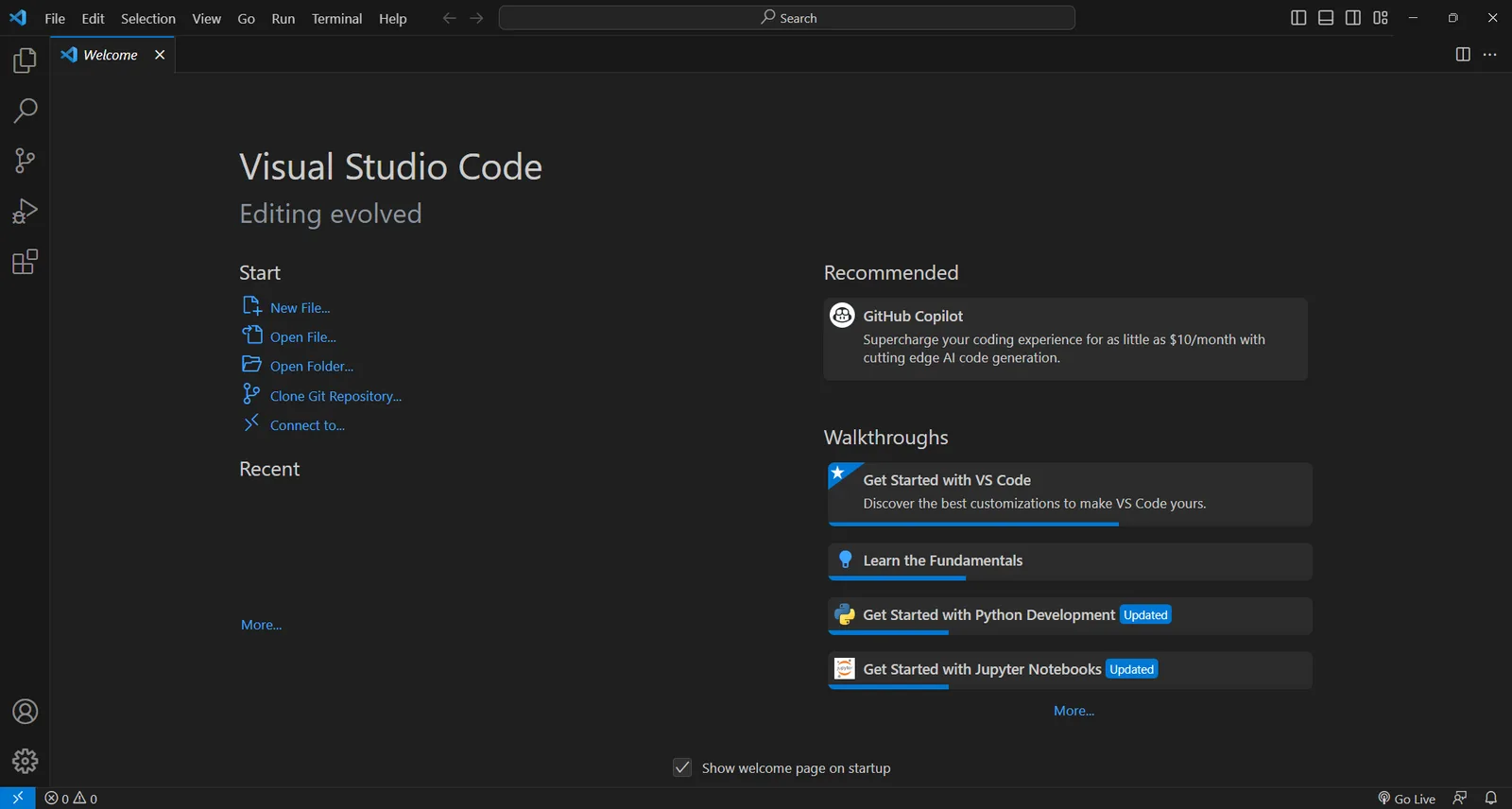
    Screenshot of the Visual Studio Code welcome screen in dark theme. Illustrative image of an older VS Code version by Microsoft, public domain, via Wikimedia Commons
    vs-code
    vscode-1-148
    ai-agents
    dev-containers
    sandbox
    microsoft
    developer-tools
    Share this article

    Keep exploring

    Continue reading

    All articles
    Screenshot of the Gemini chatbot website with a prompt box and a sidebar menu, by Google, public domain. Illustrative image, not a photo of the interview or the lab
    AI News

    Google DeepMind's chief says Gemini's leap came from AI helping improve itself, but Google's own report shows humans still steer 88% of code changes

    DeepMind chief Koray Kavukcuoglu told the FT that recursive self-improvement explains Gemini's recent jump and faster releases, while promising human oversight. Google's safety report shows how much code AI writes. Not investment advice.

    I

    Stay ahead

    Ship less glue code with Impresiv.

    Wire APIs, webhooks and AI agents together visually — and skip the boilerplate.

    Start building free See pricing

    On this page

    17%
    • 保持唤醒设置
    • 更快的聊天
    • 更安全的智能体运行环境
    • 日常维护
    • 接下来看什么
    • 为什么重要
    Impresiv Team
    November 29, 2026 4m
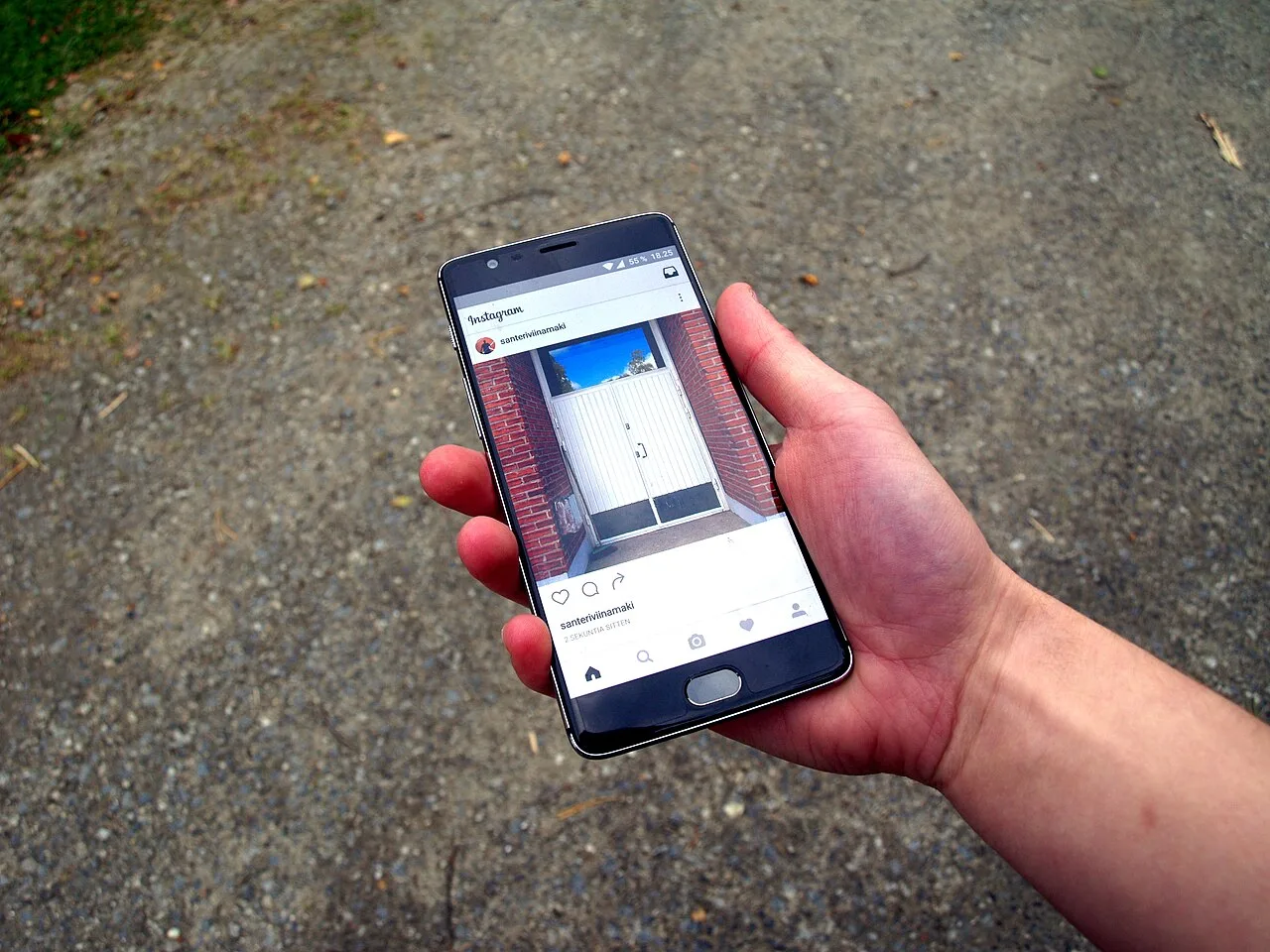
    A hand holding a smartphone that shows the Instagram app on a gravel background. Photo by Santeri Viinamaki, CC BY-SA 4.0. Older Instagram screen, illustrative only
    Social Media

    Meta's Muse AI agent is now in your Instagram DMs and can shop Walmart for you, but Indonesia is not on the launch list

    Meta began rolling out its Muse AI agent in Instagram DMs on November 24 in five countries: the U.S., Canada, Mexico, Japan and Singapore. A Walmart tie-up lets Muse build carts and check out, with spending limits. Not buying advice.

    IImpresiv Team
    November 29, 2026 4m
    Rows of empty cubicles with older computer monitors in a large call center. Public domain photo via Wikimedia Commons. Illustrative only
    Startups

    Sierra's AI customer-service agents just doubled the startup's value to $30 billion in six months, and big banks are among its customers

    Sierra, co-founded by Bret Taylor, raised $1.75 billion at a $30 billion valuation, about double its value six months ago. It claims over $400 million in annual recurring revenue and charges per outcome, not per seat. Not investment advice.

    IImpresiv Team
    November 29, 2026 4m

    代码编辑器开始把AI智能体当作不应被打断的后台工作者。11月25日发布的Visual Studio Code 1.148新增一项设置,只要智能体还在工作,即使你关掉窗口,电脑也不会进入休眠。

    保持唤醒设置

    新设置名为sessions.keepAwakeWhileWorking,目前处于预览阶段,据VS Code 1.148 release notes。受支持的Agent Host可在活跃任务期间(包括关闭窗口之后)让所在机器保持唤醒,并在工作结束后不久释放。它有三种模式:whenPluggedIn(默认)仅在接电时阻止休眠,always连电池供电时也阻止,never允许休眠。原因很简单:微软希望避免无人看管的任务因机器休眠而中断,据VS Code 1.148 release notes。

    更快的聊天

    微软称,Agent Host聊天的响应平均比上一个稳定版快30%开始,据VS Code 1.148 release notes。微软也承认,迁移到Agent Host框架曾让速度变慢:现在的聊天启动时间已接近旧框架的约5%以内,公司表示会继续缩小差距。NTCompatible报道了同样的数字。

    更安全的智能体运行环境

    两项实验性功能针对放任智能体独自运行的风险。第一项为智能体会话创建Dev Container:内置Agent Host的Ubuntu容器,存放在Docker卷中,无需配置文件,据VS Code 1.148 release notes。开启第二项设置后,当你让智能体在隔离环境中尝试某事时,它可以从现有会话创建容器并在其中继续任务。第二项是沙盒方案:可保存一套命名的沙盒规则,并分配给每个远程智能体主机,例如构建服务器开放网络,而共享机器则严格锁定,据VS Code 1.148 release notes。组织的沙盒策略仍然适用。Neowin称这两项都是实验性的。

    日常维护

    这个版本还允许清理远程主机上不活跃的智能体工作树以释放磁盘空间,重新设计了Remote Environments编辑器,并为连接失败增加了排障页面,据VS Code 1.148 release notes。智能体会话可能留下大量工作树,所以清理很实用。

    接下来看什么

    关注保持唤醒是否结束预览,默认值是否仍是"仅接电时"。always的明显代价是耗电。也关注Dev Container和沙盒方案是否脱离实验状态,以及微软能否补上聊天速度剩下的约5%差距。

    为什么重要

    连续运行几十分钟甚至数小时的智能体,需要一台保持开机的机器、一个安全的运行环境,以及关于可触及范围的规则。VS Code在一个版本里同时加入了这三项。这显示了工具的走向:少写代码,多监督自主工作的智能体。风险也随之转移:带网络访问权限、无人看管的智能体,比聊天框是更大的安全问题,这正是沙盒功能的意义。以上均为微软自己的描述,真实的耗电和速度表现要由用户来检验。

    封面图片:VS Code (Insiders).png by Microsoft, public domain, via Wikimedia Commons. Illustrative screenshot of an older VS Code welcome screen, not version 1.148。