Impresiv, AutomationImpresiv
ドキュメントコミュニティブログ料金MCP
ログイン
    Impresiv, AutomationImpresiv

    繰り返し作業を減らし、もっとImpresivを。

    モバイルアプリを入手

    ダウンロードはこちらApp Store入手はこちらGoogle Play

    製品

    • ドキュメント
    • 料金
    • MCP
    • ブログ
    • コミュニティ

    比較

    • n8n vs Impresiv
    • Zapier vs Impresiv
    • Make vs Impresiv

    お問い合わせ

    • support@impresivai.com
    • +6285136538145
    • 通話を予約

    法務

    • プライバシー
    • 利用規約
    • 返金

    © 2026 Impresiv. All rights reserved.

    Indonesia

    Impresiv
    BlogDeveloper News

    Developer News

    VS CodeがノートPCのスリープを防止、ウィンドウを閉じてもAIエージェントがコーディングを続行

    MicrosoftのVS Code 1.148は、AIエージェントの作業中はウィンドウを閉じてもマシンを起動したままにするプレビュー設定を追加。エージェント用のDev Containerをワンクリックで作成でき、ホストごとのサンドボックスプロファイルや約30%速いチャット開始も加わった。

    IImpresiv Team
    November 27, 2026 1 min read Updated November 29, 2026
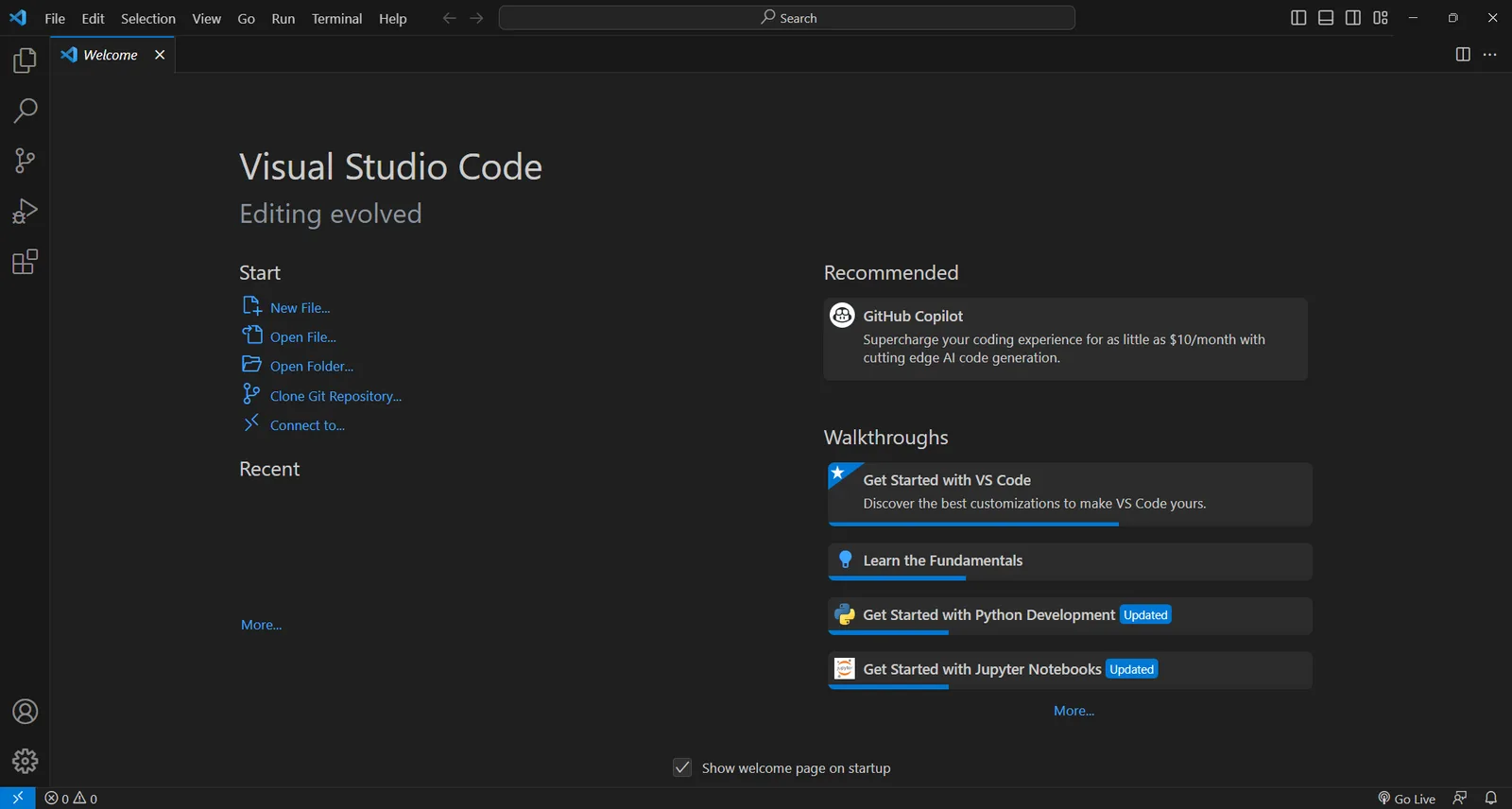
    Screenshot of the Visual Studio Code welcome screen in dark theme. Illustrative image of an older VS Code version by Microsoft, public domain, via Wikimedia Commons

    コードエディタは、AIエージェントを中断してはいけないバックグラウンド作業者として扱い始めています。11月25日にリリースされたVisual Studio Code 1.148には、ウィンドウを閉じてもエージェントが作業している間はコンピュータをスリープさせない設定が加わりました。

    スリープ防止の設定

    新しい設定はsessions.keepAwakeWhileWorkingで、プレビュー段階です(VS Code 1.148 release notes)。対応するAgent Hostは、作業中の間、ウィンドウを閉じた後も含めてマシンを起動したままにし、作業終了後まもなく解除します。モードは3つで、whenPluggedIn(既定)は電源接続中のみスリープを防ぎ、alwaysはバッテリー駆動でも防ぎ、neverはスリープを許可します。理由は単純で、マシンがスリープして無人の作業が止まるのを避けたいとMicrosoftは述べています(VS Code 1.148 release notes)。

    チャットの高速化

    Microsoftによると、Agent Hostのチャット応答は前の安定版より平均30%速く始まります(VS Code 1.148 release notes)。Agent Hostへの移行で遅くなっていたことも認めており、開始時間は従来のハーネスの約5%以内になったとし、差をさらに縮めると述べています。NTCompatibleも同じ数字を伝えています。

    エージェントをより安全に動かす場所

    vs-code
    vscode-1-148
    ai-agents
    dev-containers
    sandbox
    microsoft
    developer-tools
    Share this article

    Stay ahead

    Ship less glue code with Impresiv.

    Wire APIs, webhooks and AI agents together visually — and skip the boilerplate.

    Start building free See pricing

    On this page

    17%
    • スリープ防止の設定
    • チャットの高速化
    • エージェントをより安全に動かす場所
    • 保守機能
    • 今後の注目点
    • なぜ重要か

    Keep exploring

    Continue reading

    All articles
    Screenshot of the Gemini chatbot website with a prompt box and a sidebar menu, by Google, public domain. Illustrative image, not a photo of the interview or the lab
    AI News

    Google DeepMind's chief says Gemini's leap came from AI helping improve itself, but Google's own report shows humans still steer 88% of code changes

    DeepMind chief Koray Kavukcuoglu told the FT that recursive self-improvement explains Gemini's recent jump and faster releases, while promising human oversight. Google's safety report shows how much code AI writes. Not investment advice.

    IImpresiv Team
    November 29, 2026 4m
    A hand holding a smartphone that shows the Instagram app on a gravel background. Photo by Santeri Viinamaki, CC BY-SA 4.0. Older Instagram screen, illustrative only
    Social Media

    Meta's Muse AI agent is now in your Instagram DMs and can shop Walmart for you, but Indonesia is not on the launch list

    Meta began rolling out its Muse AI agent in Instagram DMs on November 24 in five countries: the U.S., Canada, Mexico, Japan and Singapore. A Walmart tie-up lets Muse build carts and check out, with spending limits. Not buying advice.

    IImpresiv Team
    November 29, 2026 4m
    Rows of empty cubicles with older computer monitors in a large call center. Public domain photo via Wikimedia Commons. Illustrative only
    Startups

    Sierra's AI customer-service agents just doubled the startup's value to $30 billion in six months, and big banks are among its customers

    Sierra, co-founded by Bret Taylor, raised $1.75 billion at a $30 billion valuation, about double its value six months ago. It claims over $400 million in annual recurring revenue and charges per outcome, not per seat. Not investment advice.

    IImpresiv Team
    November 29, 2026 4m

    実験的な2つの機能は、エージェントを放置して動かすリスクに対応します。1つ目はエージェントセッション用のDev Containerの作成で、Agent Hostを内蔵したUbuntuコンテナをDockerボリュームに保存し、設定ファイルは不要です(VS Code 1.148 release notes)。2つ目の設定をオンにすると、隔離環境で試すよう頼んだときに、エージェントが既存セッションからコンテナを作成して作業を続けられます。もう1つはサンドボックスプロファイルで、名前付きのルールセットを保存し、リモートのエージェントホストごとに割り当てられます。例えばビルドサーバーはネットワークを開放し、共有マシンは制限するといった使い方です(VS Code 1.148 release notes)。組織のサンドボックスポリシーは引き続き適用されます。Neowinは両方を実験的としています。

    保守機能

    このリリースでは、リモートホスト上の非アクティブなエージェントのワークツリーを削除してディスクを空けられ、Remote Environmentsエディタが刷新され、接続失敗時のトラブルシューティングページも加わりました(VS Code 1.148 release notes)。エージェントのセッションはワークツリーを多く残すことがあり、実用的な追加です。

    今後の注目点

    スリープ防止がプレビューを卒業するか、既定が「電源接続時のみ」のままかに注目です。alwaysの明らかなコストはバッテリー消費です。Dev Containerやサンドボックスプロファイルが実験段階を抜けるか、チャット速度の残り5%の差をMicrosoftが埋めるかも見どころです。

    なぜ重要か

    数十分から数時間動くエージェントには、起動し続けるマシン、安全な実行場所、触れてよい範囲のルールが必要です。VS Codeはその3つを1つのリリースで加えました。ツールの向かう先は、コードを打つことが減り、自律的に動くエージェントの監督が増えることだと分かります。リスクも移ります。ネットワークにアクセスできる無人のエージェントは、チャット欄よりも大きなセキュリティ問題で、だからサンドボックス機能が重要です。ここで述べたのはMicrosoft自身の説明で、実際のバッテリーや速度の結果はユーザーから出てきます。

    カバー画像:VS Code (Insiders).png by Microsoft, public domain, via Wikimedia Commons. Illustrative screenshot of an older VS Code welcome screen, not version 1.148。