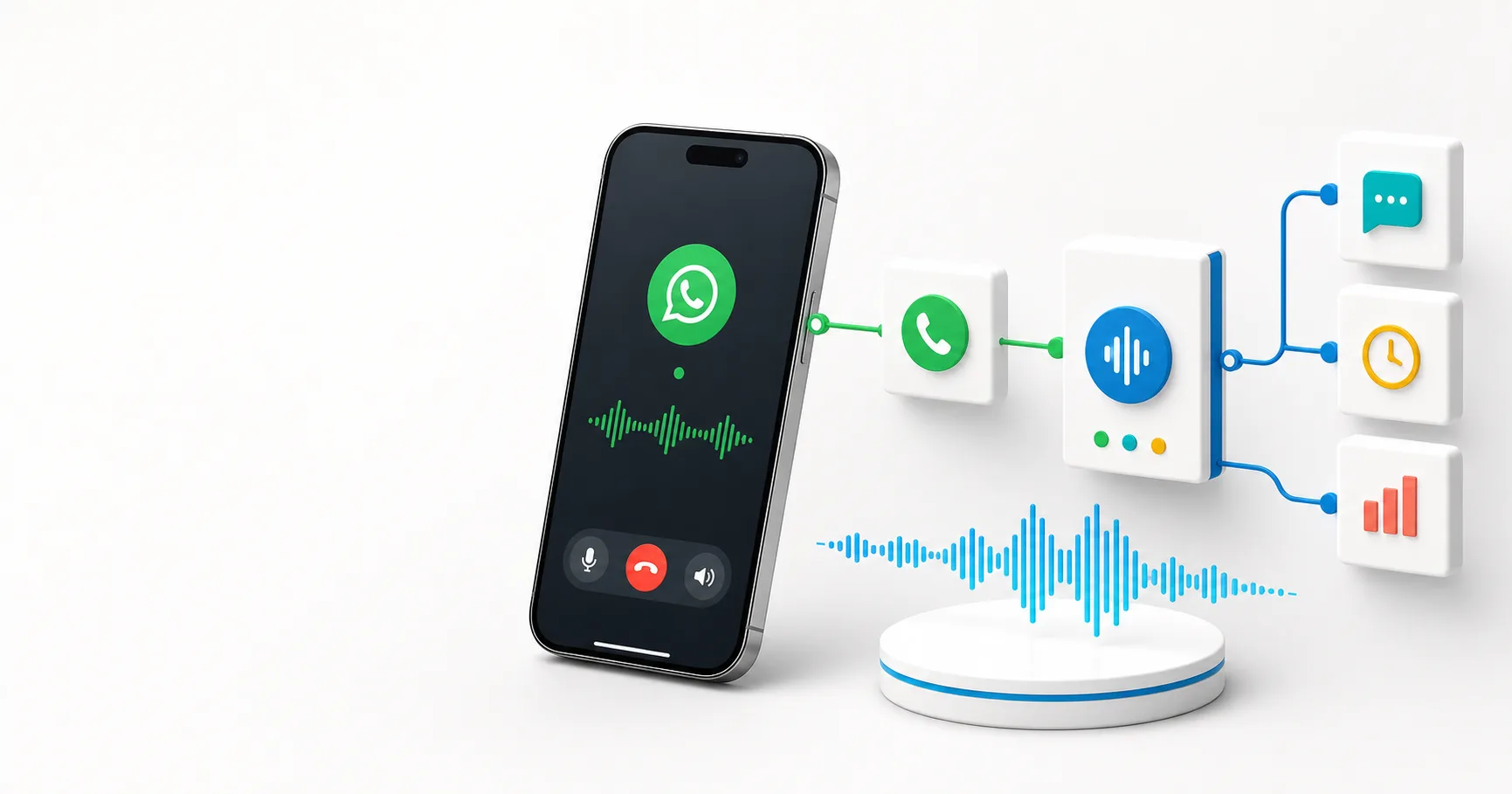
Monitoring brand mentions and summarizing sentiment daily helps you catch praise, complaints, competitor comparisons, and sales signals without spending every morning searching manually. With an AI workflow automation builder like Impresiv, you can collect mentions from Gmail, web scraping, Slack, Telegram, Google Sheets, and APIs, then turn them into a daily brand monitoring report your team can act on.
The goal is simple: every day, get one clear summary of who mentioned your brand, what they said, whether the sentiment is positive, neutral, or negative, and what action should happen next.
Why daily brand mention monitoring matters
Most small teams do brand monitoring in bursts. Someone checks Google Alerts, scrolls social channels, searches Reddit or review sites, skims support inboxes, and drops a few links into Slack. It works until it does not.
The problems are predictable:
- Important mentions get missed because they are spread across inboxes, websites, communities, and internal channels.
- Sentiment is hard to track manually because one loud complaint can feel bigger than ten positive mentions.
- Follow-up is inconsistent because nobody owns every mention.
- Reporting takes too long because marketers and founders copy links, summarize threads, and rewrite updates for the team.
Here is a realistic example. Say a founder or marketer spends 35 minutes each weekday checking mentions and writing a short update. That is roughly 12 hours per month. If their time is worth 75 dollars per hour, that is 900 dollars of monthly attention spent on repetitive monitoring.
Now imagine an automated workflow reduces that to a 10-minute review each morning. The team saves about 8.5 hours per month, or 637 dollars of focused work time in this example. The bigger payoff is not just time. It is faster responses to unhappy customers, more testimonials captured while they are fresh, and better visibility into what the market actually thinks.
The daily sentiment workflow at a glance
A practical brand monitoring automation has five parts:
- Trigger: Run once per day, such as 8:00 AM.
- Collect mentions: Pull from Gmail alerts, web scraping, Slack, Telegram, Google Sheets, APIs, or other connected tools.
- Clean and deduplicate: Remove repeats, irrelevant matches, and old mentions.
- Analyze with AI: Classify sentiment, extract themes, score urgency, and recommend action.
- Share and store: Send a daily summary to Slack or Gmail and log every mention in Google Sheets.

In Impresiv, you can build this visually on a no-code canvas. You connect the trigger, data sources, AI model step, and destination apps in sequence. If you prefer starting from plain English, use Magic Builder to describe the workflow you want, then adjust the nodes on the canvas.
Step-by-step: build a daily brand monitoring workflow
1. Create the daily trigger
Start with a scheduled trigger that runs every weekday morning. For most teams, 8:00 AM local time works well because it gives marketing, support, and leadership a shared read before the day fills up.
Recommended setup:
- Node: Schedule Trigger
- Frequency: Daily or weekdays only
- Time: 8:00 AM
- Timezone: Your main operating timezone
If your audience is global, consider two reports: one for your local morning and one after your largest customer region finishes its day.
2. Collect brand mentions from your sources
Next, add the sources where mentions appear. Start small. A useful first version might only use Gmail alerts and web scraping. You can add more sources later.
Common source nodes:
| Source | Impresiv app or node | What to collect |
|---|
| Google Alerts emails | Gmail | New emails containing your brand name |
| Website pages or search result pages | Web scraping | Page title, snippet, URL, date if available |
| Internal customer feedback | Slack or Telegram | Messages mentioning the brand, product, or competitors |
| Existing tracking sheet | Google Sheets | Mentions added by teammates |
| Review sites or databases | HTTP/APIs | Mentions, ratings, author, date, URL |
Use search terms that include your brand and common misspellings. If your brand name is also a common word, add context terms such as your product category, founder name, domain, or feature names.
For example:
- Impresiv
- Impresiv AI
- impresivai.com
- Impresiv automation
- Impresiv alternative
3. Filter noise and duplicates
Brand monitoring can get messy fast. Before sending data to the AI step, filter obvious junk.
Add simple rules such as:
- Ignore mentions already processed in the last 7 days.
- Ignore emails from internal team members unless they contain customer feedback.
- Ignore results where the brand name appears only in navigation or footer text.
- Keep the URL, source, mention text, author if available, and date.
Then deduplicate by URL first. If there is no URL, deduplicate by source plus similar text. This keeps your report concise and prevents one syndicated post from looking like ten separate mentions.
4. Analyze sentiment with an AI text model
Now add an AI text model step. This is where the workflow turns raw mentions into a useful daily readout.
Ask the model to classify each mention and produce a summary your team can skim quickly. Include clear categories so your results stay consistent.
Use this sample prompt as a starting point:
You are a brand monitoring analyst for a small business.

Analyze the brand mentions provided below.

For each mention, return:
- Sentiment: positive, neutral, negative, or mixed
- Confidence: low, medium, or high
- Main topic: pricing, support, product quality, feature request, competitor comparison, praise, complaint, sales lead, press, or other
- Urgency: low, medium, or high
- Recommended action: reply, escalate to support, share with sales, save as testimonial, monitor only, or investigate
- One sentence summary

Then create a daily executive summary with:
- Overall sentiment
- Top 3 themes
- Highest priority mentions
- Suggested next actions
- Any notable quote, paraphrased if needed

Be concise, practical, and do not exaggerate. If the text is unclear, say so.
For better results, pass the AI step structured inputs such as source, date, URL, title, snippet, and full mention text. The more context it has, the less likely it is to overreact to a vague phrase.
5. Log every mention in Google Sheets
A daily message is useful, but a historical log is where the insights compound. Add a Google Sheets action after the AI step.
Create columns like:
- Date found
- Source
- URL
- Mention text
- Sentiment
- Confidence
- Topic
- Urgency
- Recommended action
- Owner
- Status
- Notes
This lets you track trends over time. For example, if negative mentions about onboarding increase for three weeks, that is a stronger signal than one angry post. If positive mentions about a new feature keep appearing, marketing can turn that into a case study, landing page section, or email campaign.
6. Send the daily summary to Slack, Telegram, or Gmail
Finally, send the AI-generated summary where your team already works.
A simple Slack or Telegram message might include:
- Total mentions found
- Sentiment breakdown
- Top themes
- High urgency mentions
- Links to the Google Sheet
- Suggested owners for follow-up
For leadership or clients, Gmail may be better. Keep it short enough to read in under two minutes.
Example format:
Daily brand sentiment summary

Mentions found: 18
Positive: 9
Neutral: 6
Negative: 3

Overall sentiment: Mostly positive, with recurring questions about pricing and one support complaint that needs follow-up.

Top themes:
1. Users like the no-code workflow builder.
2. Several prospects compared the product with Zapier and Make.
3. One customer reported confusion during setup.

Recommended actions:
- Support: review the setup complaint today.
- Marketing: save two positive mentions as testimonial candidates.
- Sales: follow up with the competitor comparison thread.
Tips for more accurate AI sentiment analysis
Small improvements make a big difference.
- Separate brand mentions from product feedback. A news mention is not the same as a customer complaint.
- Ask for confidence scores. Low-confidence sentiment should be reviewed, not treated as truth.
- Track mixed sentiment. A post can praise your product and complain about pricing.
- Keep the raw text. Summaries are useful, but raw mentions help when someone needs to verify context.
- Review the first week manually. Tune filters, search terms, and categories before trusting the report.
- Use owners and statuses. A report without follow-up becomes another dashboard nobody acts on.
Common pitfalls to avoid
The biggest mistake is trying to monitor everything on day one. Start with two or three reliable sources, then expand.
Another pitfall is treating AI sentiment as perfectly objective. Sentiment analysis is a decision-support tool. Sarcasm, short comments, and niche slang can confuse any model. That is why your workflow should include confidence, urgency, and links back to the source.
Also avoid sending too much detail to the whole company. Executives need trends and high-priority items. Support needs specific complaints. Marketing needs praise, objections, and competitor comparisons. You can use separate summaries for each audience once the core workflow is working.
Variations to build next
Once your daily brand monitoring workflow is live, build on it.
-
Negative mention escalation
If sentiment is negative and urgency is high, send an immediate Slack or Telegram alert instead of waiting for the daily report.
-
Testimonial capture workflow
If sentiment is positive and the topic is praise or product quality, add the mention to a Google Sheet for marketing review.
-
Competitor comparison tracker
If a mention includes competitors, summarize the comparison and log the feature, pricing, or positioning gap in a separate sheet.
Frequently asked questions
How often should I monitor brand mentions?
For most small teams, once per weekday is enough. If you handle high volumes, launches, support issues, or reputation-sensitive work, add real-time alerts for negative or high-urgency mentions.
Can AI sentiment analysis replace manual review?
No. It should reduce manual review, not remove it completely. Use AI to sort, summarize, and prioritize mentions, then have a person review high-impact or low-confidence items.
What sources should I start with?
Start with Gmail alerts, web scraping for key pages, and any internal Slack or Telegram channels where customer feedback appears. Add APIs, review sites, and more advanced sources once your first report is reliable.
What should be included in a daily brand report?
Include total mentions, sentiment breakdown, top themes, high-priority mentions, recommended actions, and a link to the full Google Sheets log. Keep the summary short enough to read quickly.
Try it with Impresiv
You can build this workflow on Impresiv’s visual no-code canvas using Gmail, web scraping, AI text models, Google Sheets, Slack, Telegram, HTTP and API tools, and more. Start with the daily report, then add alerts and follow-up automations as your team learns what matters.
Sign up for Impresiv and create your first brand monitoring workflow from a prompt or build it step by step on the canvas.